

School IT Support in Bahrain: What the Job Actually Involves
Reliable school IT support Bahrain institutions can plan around starts with a survey, not a sales pitch. A technician walks every lab, staff room and admin desk, records what each machine is actually running, and reports back on what needs cleaning, upgrading or retiring. Only then is a quote written. That is exactly how we approached a recent project covering a 91-laptop fleet, two ICT labs and a full set of administrative desktops.
What follows is our standard process, illustrated with that job. The school is kept anonymous here and all staff names and asset tags removed, but the scope and the sequence are exactly as they happened.
Step One: The Site Visit and the Written Condition Report
Nothing useful can be quoted over the phone. Machine age, installed memory, drive type, thermal condition and physical damage vary enormously across a school fleet, and the difference between a laptop worth upgrading and one worth retiring is usually invisible until somebody opens it up.
On the first visit we inventory every unit: location, asset tag, installed memory, storage type and capacity, and observed physical condition. Dust load matters as much as specification here. Machines sitting in rooms with intermittent air conditioning through a Gulf summer accumulate enough dust to choke a heatsink within two or three years, and thermal throttling reads to a teacher simply as “the computer is slow”.
That inventory becomes a written report: what each machine has, what it needs, and what we would not spend money on. In this case the report sorted the fleet into three groups – units worth a memory and storage upgrade, units needing only a deep clean and a thermal repaste, and units to leave alone because their existing specification was already adequate for the work being asked of them.
Step Two: An Itemised Quote, Approved Before Anything Is Opened
The quote follows the report line by line, so the school can see what each intervention costs and remove anything it does not want. For an institution working to a fixed annual budget that transparency is the entire point – a finance office should be able to approve or defer individual lines, not face a single lump sum to accept or reject.
We work to 50% on approval and 50% on completion, once every machine has been tested and signed off. No hardware is touched before the quote is finalised in writing.
Inside the Job: Servicing a 91-Laptop School Fleet
The approved scope covered three areas: the ICT labs, the administrative desktops, and the fleet of student laptops issued in carry bags.
ICT Lab 1 – memory upgrades and deep cleaning
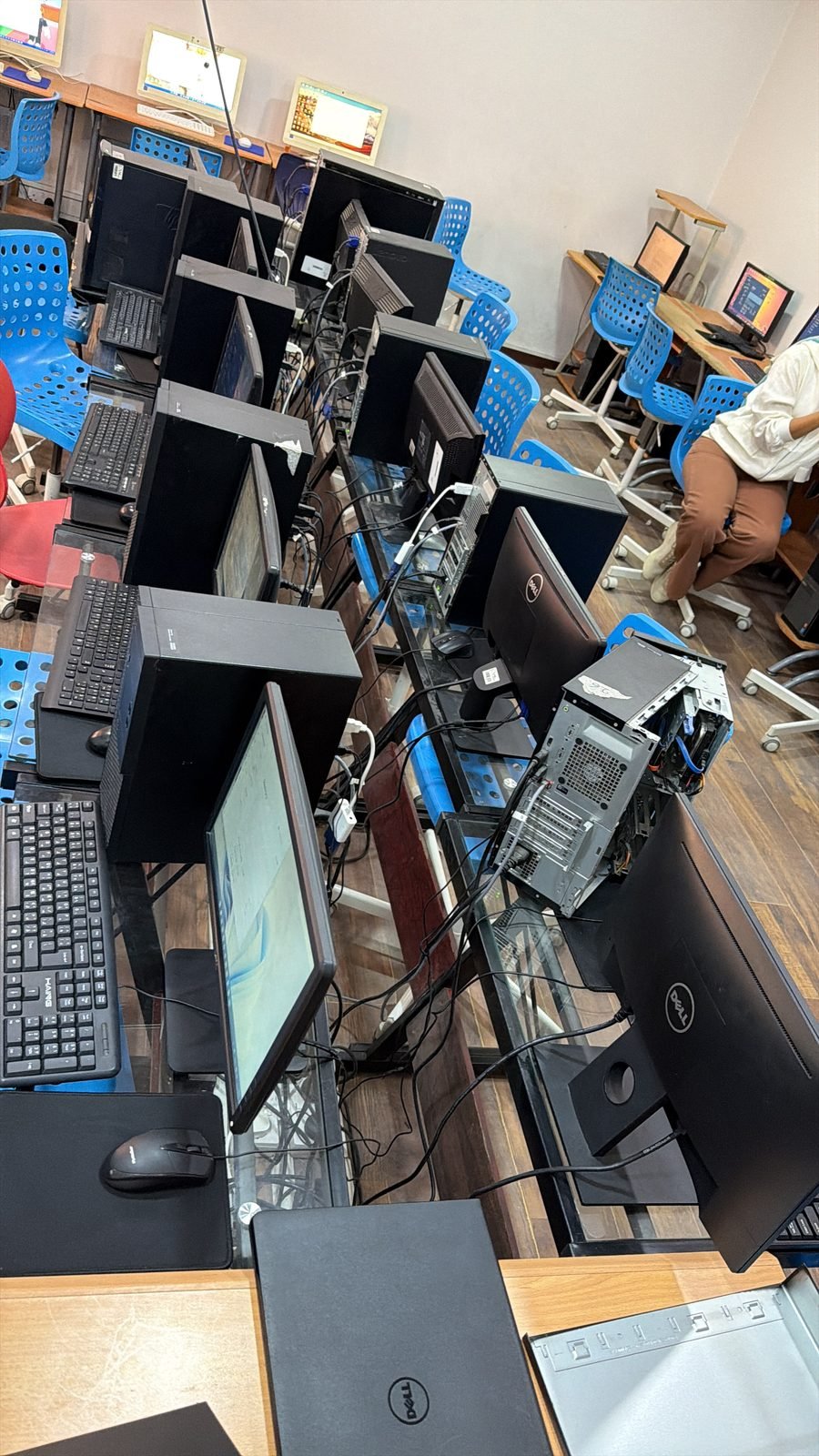
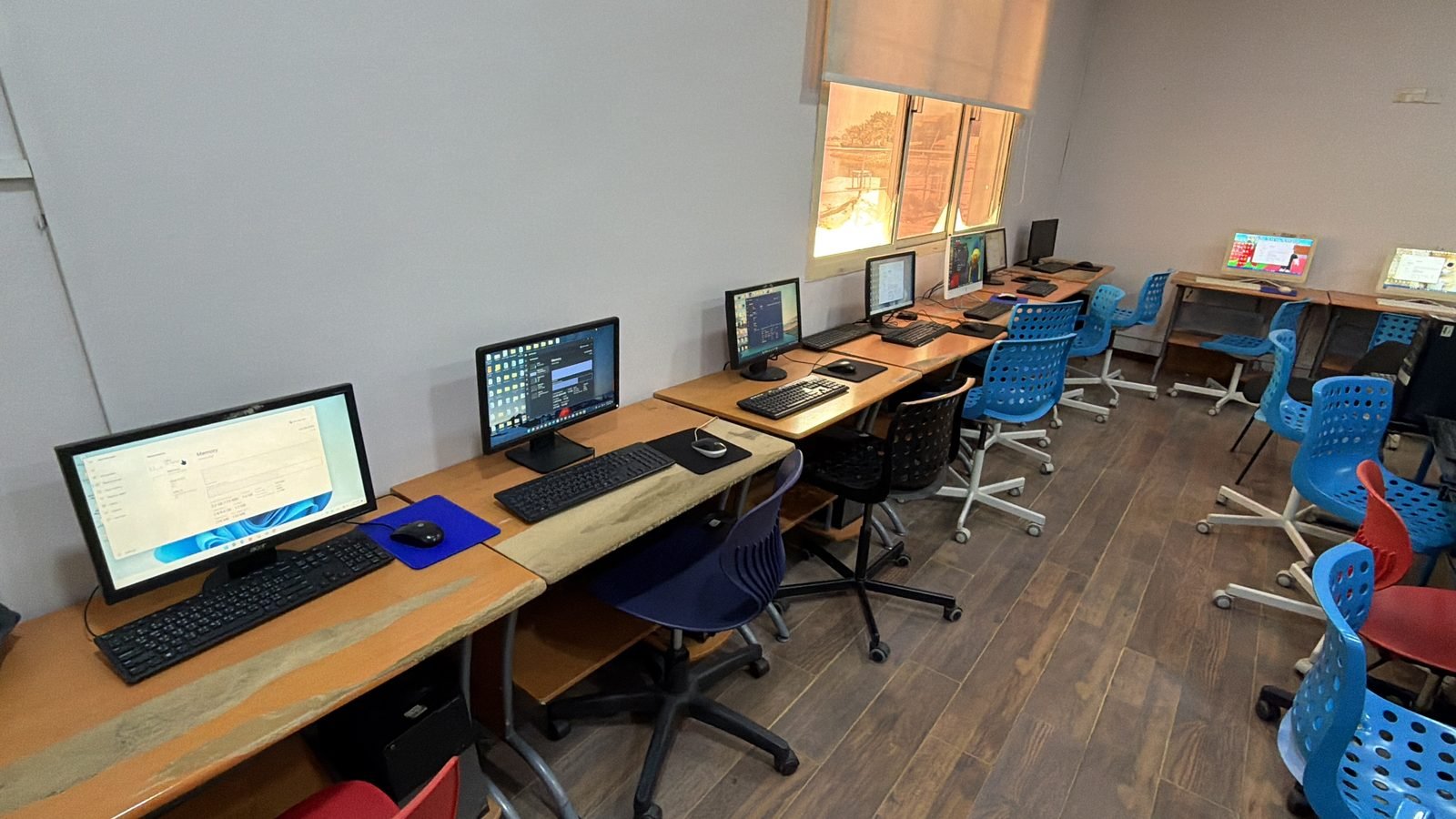
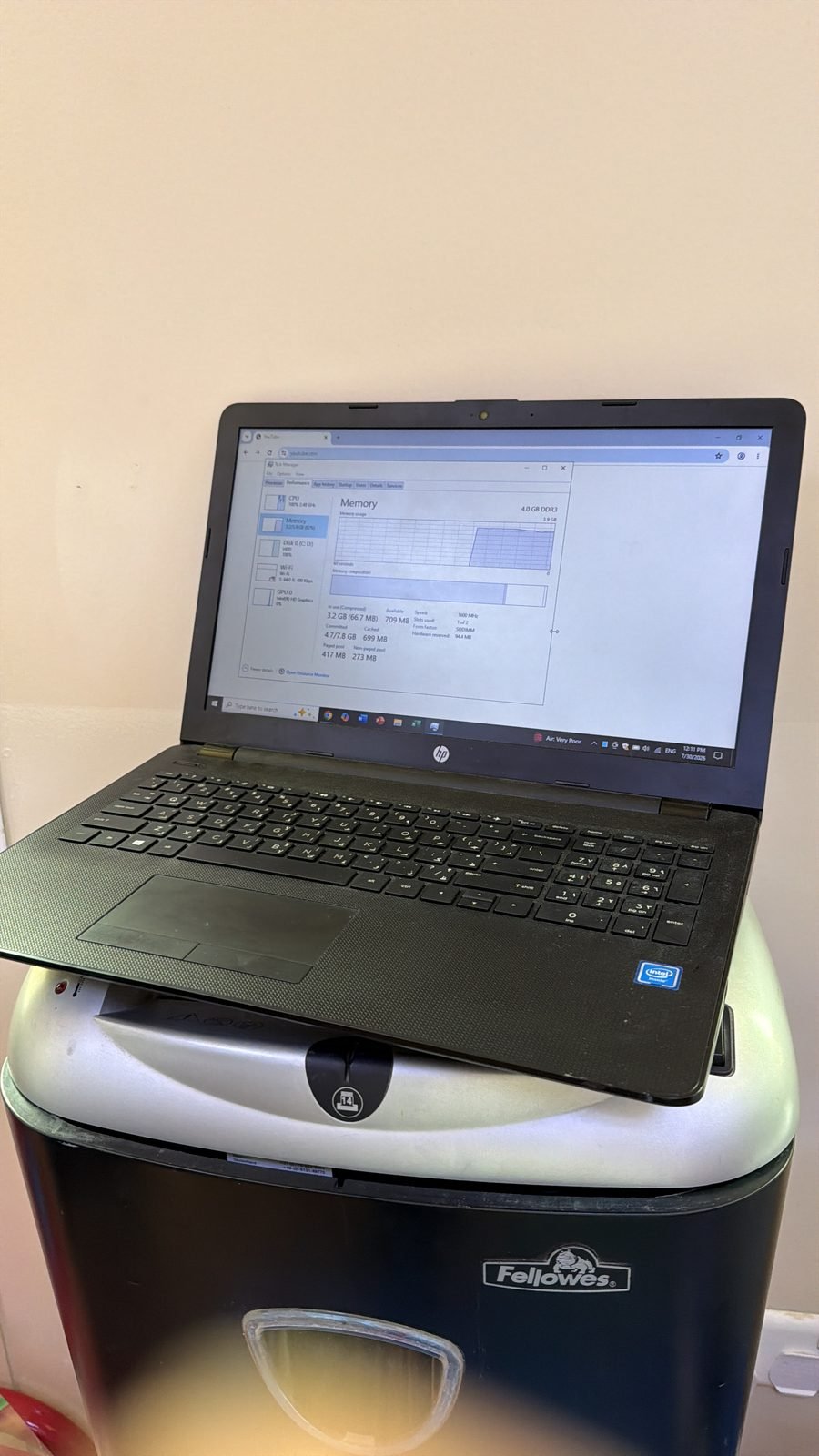
Seventeen laptops in the main ICT lab were upgraded and cleaned. Most moved from 4GB to 12GB of installed memory, with a smaller group going from 8GB to 16GB. Every unit was opened, dusted, and reassembled and tested before being returned to its position.
One practical detail is worth sharing, because it comes up on almost every fleet job: some of these laptops physically accepted only a single memory module rather than two. We carried spare modules to site so the work could be completed in one visit instead of scheduling a return trip, and the memory installed matched the memory quoted. On a school timetable, a second mobilisation costs more disruption than it does money.
Lab 2 and the all-in-one units
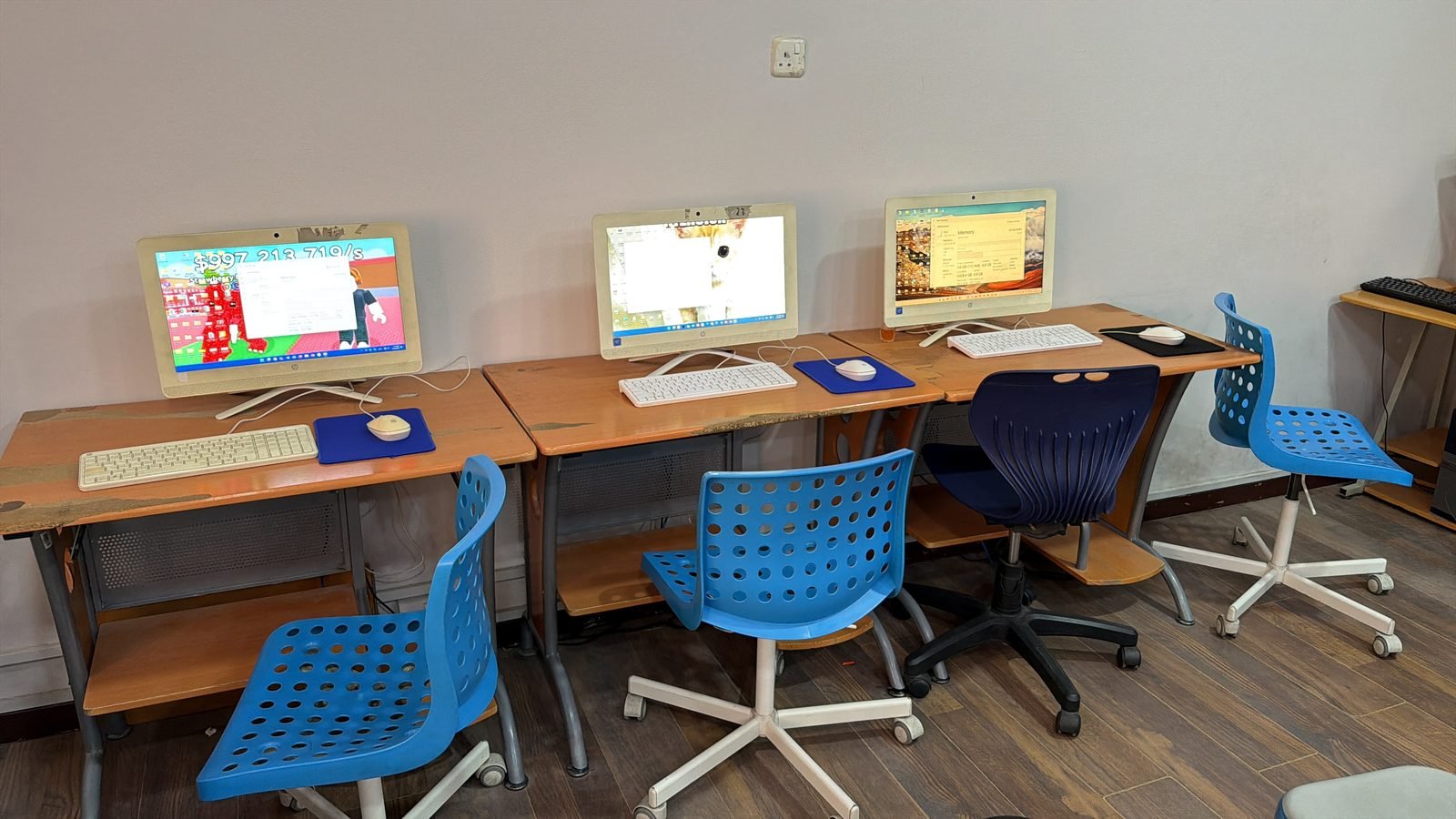
Every desktop in the second lab was stripped and cleaned. Four all-in-one units – where the computer sits behind the monitor panel rather than in a separate tower – were dismantled individually, dusted and thermally repasted one by one.
All-in-ones deserve particular attention in this climate. They pack desktop components into a chassis with a fraction of the airflow of a normal case, and the cooling path is narrow enough that a few years of dust makes a measurable difference to sustained clock speeds. They are also the units most schools never open, because opening them looks intimidating.
The administrative desktops
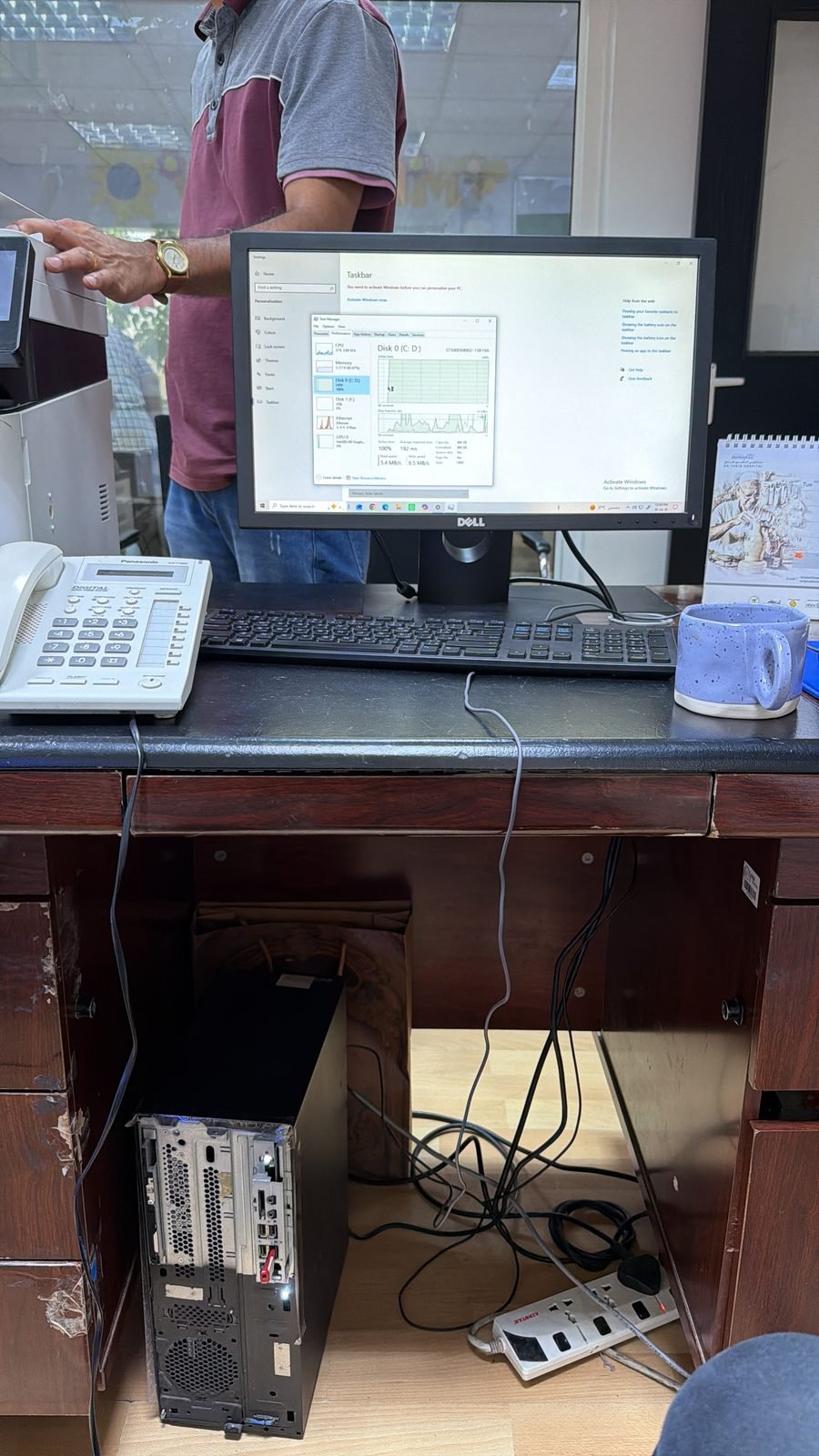
Five admin machines were upgraded, each from 4GB to 16GB of memory, with four of them also receiving an M.2 solid state drive. One machine had its existing Windows installation cloned onto the new SSD with the original mechanical hard disk retained in the background as bulk storage, so nothing was lost and no reconfiguration was needed. Another received a clean Windows installation on the new drive.
Admin desktops are usually the highest-value machines in a school to fix and the last ones anybody thinks about. They run continuously through the working day, they hold the records everyone depends on, and they are frequently the oldest hardware on site.
The laptop fleet and carry bags
All 91 laptop bags were distributed and accounted for against the inventory taken on the first visit. A defined next phase covers a further ten laptops that will come into the workshop for the same upgrade and clean as they are released by their users.
Computer Lab Servicing Versus Replacing the Fleet
The commercial case is the part school leadership cares about most. The entire project – parts, labour, cleaning and on-site time included – came in at a fraction of what replacing even a quarter of those machines would have cost.
The reason is straightforward. On a machine that is otherwise structurally sound, memory and storage are almost always the bottleneck, not the processor. A 4GB laptop running a modern browser with a dozen tabs open alongside a virtual learning platform spends its time swapping to disk. Tripling the memory and replacing a mechanical hard disk with an M.2 SSD addresses both constraints at once, and the machine stops feeling like it needs replacing.
We are equally direct about the limits of this. A laptop with a failed hinge, a swollen battery, a cracked panel or a dying board is not worth upgrading, and we say so in the report rather than billing for work that buys a school six more months. The honest split between “fix this” and “plan to replace this” is the most useful thing a condition report contains.
Bulk PC Servicing for Businesses and Institutions
The same process applies well beyond schools. Clinics, offices, training centres and gaming venues all run fleets that degrade quietly rather than failing outright, and all of them benefit from the same sequence: audit, written report, itemised quote, scheduled execution, sign-off.
For organisations planning ahead rather than reacting, it is worth pairing a servicing round with a refresh plan for the machines that genuinely have reached end of life – whether that means standard business systems for general office use or heavier workstations for design, engineering or lab work. Servicing what can be saved and replacing only what cannot is almost always the cheaper path.
Our standing recommendation to any client after a fleet job is simple: send us the machines that individual staff describe as slow, and send us whatever is sitting unused in the store room. Slow machines are often a twenty-minute fix. Store room machines are either salvageable or a source of working parts for the fleet that remains, and either outcome is better than a cupboard.
Frequently Asked Questions
How much does school IT support cost in Bahrain?
It depends entirely on fleet size and condition, which is why we survey before quoting. Costs are driven by how many machines need parts versus cleaning only. A full fleet service typically costs far less than replacing even a modest portion of the same machines, and every line is itemised so individual items can be deferred.
Is it worth upgrading old school laptops instead of replacing them?
Usually yes, provided the chassis, screen, battery and board are sound. Memory and storage are the real bottlenecks on most ageing school machines, and addressing both costs a fraction of a replacement unit. Laptops with physical damage or failing components are the exception, and a proper condition report identifies them clearly.
How long does servicing a school computer lab take?
A single lab of twenty machines can usually be cleaned, upgraded and tested within a working day or two, depending on how many require parts fitted. Full multi-lab projects covering admin desktops and a laptop fleet are scheduled across several visits so no area is out of service for long.
Can the work be done without disrupting classes?
Yes. We schedule around the school timetable, working through one room at a time or concentrating heavier work into break periods and holidays. Machines are tested and returned to position before we leave an area, so a lab is never left partially assembled overnight.
Why do school computers slow down so much?
Three causes dominate: insufficient memory for modern browsers and learning platforms, mechanical hard disks that cannot keep up with random reads, and dust-clogged cooling that forces the processor to throttle. All three are fixable. None of them mean the machine has reached the end of its useful life.
Do you provide a written report before quoting?
Always. The report lists every machine by location and asset tag with its current specification, its condition, and our recommendation. The quote is then built directly from that report, line by line, so the school can see precisely what it is approving and why each item was included.
The Bottom Line
Good school IT support Bahrain schools can budget around is a process, not a product: survey the fleet properly, report honestly on what is worth saving, quote it line by line, and execute without disrupting teaching. On this project that process took a 91-laptop fleet, two ICT labs and the administrative desktops from sluggish to serviceable for a fraction of the cost of replacement – and produced a clear, evidence-backed plan for the machines that will need replacing later. If you want to know more about how we work, our team and workshop are based here in Bahrain.
Running a school, clinic or office fleet that has quietly got slower every term? Get in touch with the Grey PC team and we will arrange a site survey and a written condition report before anything is quoted.