
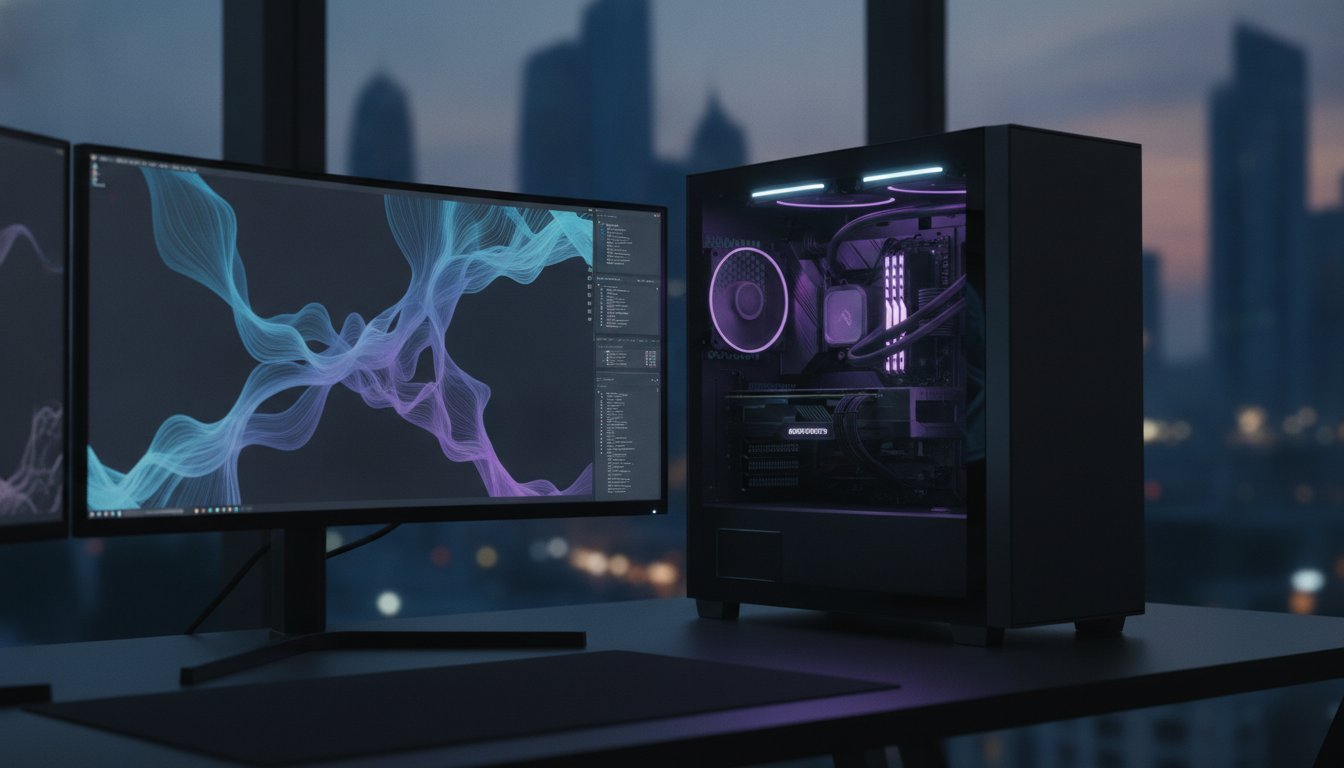

Why are you still letting a three day solve time dictate your project’s pace? It’s a question every lead engineer eventually faces when their hardware hits a thermal wall. You’ve likely felt the sting of a system crash at 95 percent completion or the lag of a memory bottleneck during a complex mesh generation. Building the right workstation for CFD and FEA analysis isn’t just about picking parts from a list; it is about balancing memory bandwidth with thermal saturation to ensure your simulations never stutter.
We understand that your work requires more than a mass produced desktop. You need a bespoke powerhouse that turns days of waiting into hours of iterating. In this 2026 guide, we’ll show you how to master complex hardware requirements, from the 96-core AMD Threadripper PRO 9995WX to the massive 96GB VRAM of the NVIDIA RTX PRO 6000 Blackwell. You will learn to build a whisper quiet, stable machine that slashes iteration cycles and remains future proof for the next generation of solvers.
Key Takeaways
- Identify the secret sauce of 8-channel memory and high-core count throughput to eliminate large-mesh bottlenecks forever.
- Shift from CPU-only limitations to high-performance hybrid solvers by selecting GPUs with superior double-precision (FP64) capabilities.
- Learn how to configure a workstation for CFD and FEA analysis that balances raw clock speed with long-term thermal stability.
- Optimize your storage and chassis architecture to maintain peak performance during the most demanding multi-day iterations.
- Discover the Grey PC methodology for professional validation, ensuring every component is tuned for 100 percent reliability in 2026 engineering environments.
Understanding the Computational Demands of CFD and FEA
Why do most off-the-shelf rigs choke on a simple Reynolds-averaged Navier–Stokes simulation? It’s because Computational Fluid Dynamics (CFD) is a memory bandwidth glutton. Every cell in your mesh requires constant data exchange between the processor and the RAM. If that pipeline is too narrow, your expensive CPU sits idle. Finite Element Analysis (FEA) presents a different challenge. It relies on high-frequency, multi-core throughput to solve massive matrices of structural equations. While both fields fall under the umbrella of engineering simulations, they stress your hardware in fundamentally different ways. A generic gaming PC might handle a 1080p render, but it will likely suffocate during the meshing phase of a simulation where memory overflows and system instability takes over.
The difference between steady-state and transient simulations is where the “soul” of your hardware is truly tested. Steady-state solvers find a single equilibrium, but transient simulations track changes over time. This creates a relentless, 100 percent load that can last for days. Without a professional workstation for CFD and FEA analysis, thermal saturation will eventually force your clock speeds to plummet or, worse, trigger a total system crash just as you reach 90 percent completion.
The Core Bottlenecks: Memory vs. Compute
Your CPU cores are useless if they’re starving. This is the “Memory Wall,” a common point of failure where the processor outpaces the RAM’s ability to deliver data. For CFD, iterative solvers require massive bandwidth to move data across the mesh. In contrast, FEA often utilizes Sparse Direct solvers, which need a massive memory footprint to invert matrices. By 2026, solvers also demand higher VRAM for real-time visualization of complex results. You don’t just need speed; you need a massive, high-speed buffer to keep the simulation fluid and responsive.
Software Specifics: Ansys, Abaqus, and OpenFOAM
Hardware strategy must follow your software budget. Commercial solvers like Ansys and Abaqus often charge per core, meaning a 96-core beast might cost you more in licensing than in hardware. In these cases, high-frequency cores with AVX-512 instruction sets are your best friends. They squeeze more math into every clock cycle. Open-source tools like OpenFOAM scale differently, often rewarding raw core counts and parallel efficiency. We don’t just build for the software; we build for the license. It’s about precision over generic solutions, ensuring every dollar spent on a Grey PC custom build translates directly into reduced solve times.
The Engine Room: Selecting the Right CPU and RAM
Your processor is the heart of the machine, but in the world of high-end simulation, the heart is only as good as the arteries feeding it. While most focus purely on raw core counts, an optimized workstation for CFD and FEA analysis lives or dies by memory bandwidth. In 2026, the shift to DDR5-6400+ ECC memory has redefined the “Memory Wall” we discussed earlier. You aren’t just looking for high clock speeds; you need a platform that can sustain massive data throughput without tripping over its own feet. Whether you’re running Ansys Fluent or structural Abaqus, the balance between your CPU’s L3 cache and your RAM’s channel count determines if you’re leading the pack or stuck in the queue.
AMD Threadripper vs. Intel Xeon in 2026
The battle for dominance in 2026 is fierce. AMD’s Threadripper PRO 9000 WX-Series, particularly the 96-core 9995WX, has set a staggering benchmark for multi-physics workloads. Verified data shows the Threadripper 9980X delivering up to 108 percent better performance than Intel’s 60-core Xeon W9-3595X in compute-heavy tasks. This massive lead is often attributed to AMD’s aggressive L3 cache architecture, which keeps iterative solver passes local to the chip. For those just starting out, choosing between the Intel Core i9-14900K vs the Ryzen 9 9950X is a common entry point for smaller structural FEA. However, Configuring the Right Workstation for professional use almost always leads back to 8-channel memory platforms like Threadripper Pro to avoid the crippling bottlenecks of consumer-grade dual-channel RAM.
Why ECC RAM is Non-Negotiable
Stability is the silent partner of speed. When your simulation runs for 48 hours straight, a single bit-flip error can turn two days of work into expensive digital garbage. This is why we insist on ECC (Error Correction Code) memory for every professional build. There is a distinct difference when comparing ECC RAM vs Desktop RAM; one is built for the “always-on” stress of the engineering lab, while the other is for short-burst consumer tasks. For Ansys Mechanical, we recommend a baseline of 15 GB of RAM per million degrees of freedom. In many 2026 workflows, 128GB of DDR5 ECC has become the absolute minimum to ensure your solver stays in-core and avoids slow disk swapping. If you’re ready to stop guessing and start solving, a Grey PC custom build provides the precision your projects demand.
GPU Acceleration: Beyond Simple Rendering
You need to be careful with your choice of silicon. Many engineers get lured by the high clock speeds of consumer cards, but they often forget about FP64 (Double Precision) requirements. Professional NVIDIA RTX cards, like the Blackwell-based Pro 6000, are tuned for scientific accuracy. High-end consumer cards might excel in single-precision tasks, but they often throttle when faced with the rigorous math required for 100 percent stable engineering simulations. Proper workstation configuration for simulation means matching the GPU’s VRAM to your mesh density. If your fluid domain exceeds the available video memory, your solve times will skyrocket as data spills back into system RAM, causing a crippling bottleneck.
NVIDIA Blackwell: The 2026 Standard
The 2026 landscape is defined by the Blackwell architecture. For those looking at high-end consumer options that punch above their weight, the NVIDIA GeForce RTX 5090 for Sale represents a significant leap in raw compute power. It isn’t just about the CUDA core count; it’s about how the Blackwell era manages massive datasets within VRAM. Modern solvers like Ansys Discovery now utilize these cores to provide near-instantaneous feedback during the design phase. This level of responsiveness allows you to iterate on geometry in real-time before committing to a full-scale cluster solve. It transforms the simulation process from a “wait-and-see” task into an interactive design experience.
Multi-GPU Configurations for Parallel Solves
When one card isn’t enough, we look toward multi-GPU scaling. Utilizing PCIe Gen 5 lanes allows for lightning-fast communication between cards, which is essential for parallelized solvers that distribute the workload. However, stacking high-TDP cards creates a massive thermal challenge. These cards can pull significant wattage, necessitating a robust power supply and a chassis designed for extreme airflow. You can’t just slap two cards together and hope for the best. It requires a precise balance of spacing and cooling to prevent thermal throttling during a week-long transient simulation. We treat every multi-GPU rig as a bespoke masterpiece, ensuring the power delivery and cooling curves are perfectly synced to the hardware’s soul.

Thermal Stability and Storage Architecture
Precision cooling is the only thing standing between a successful simulation and a catastrophic thermal shutdown. When you are pushing 96 cores to their absolute limit in high-ambient temperature regions, the air inside your case becomes a weapon against your hardware. A workstation for CFD and FEA analysis is effectively a high-performance furnace when running at 100 percent load for 48 hours straight. If your cooling solution cannot keep up, you fall into the thermal throttling trap. Your clock speeds plummet to protect the silicon, and your three day solve time quietly stretches into five. We don’t just build computers; we engineer thermal environments that ensure your hardware maintains its peak frequency from the first iteration to the last.
The foundation of this thermal strategy starts with the chassis. A Lian Li PC-O11 Dynamic setup provides superior airflow because it allows for a massive intake of cool air directly across the motherboard and GPU. It creates a high-pressure zone that forces heat out before it can saturate your components. This isn’t about aesthetics. It is about the physical movement of cubic feet per minute to keep your “Engine Room” from overheating during a relentless transient simulation.
Advanced Cooling for 24/7 Reliability
Stability is a choice. For professional engineering, we typically favor high-performance 420mm AIOs over custom loops. While custom loops look incredible, a high-end AIO offers the “set and forget” reliability required for a machine that must run 24/7 without a leak check. We pair these with industrial-grade fans that prioritize static pressure over silent operation. Every Grey PC custom build undergoes rigorous pressure-testing to find its thermal equilibrium. We push the machine until the temperatures plateau, ensuring that your workstation for CFD and FEA analysis will never flinch, even when the office air conditioning fails.
Storage Throughput: Eliminating the I/O Bottleneck
Storage is the silent killer of simulation speed. If your solver is waiting for the SSD to write a checkpoint file, your CPU is wasting cycles. We utilize a strict storage hierarchy: NVMe Gen 5 for scratch files and SATA for archival. The Samsung 990 Pro 2TB is the gold standard for active simulation files because of its sustained write speeds and high endurance (TBW) ratings. For transient solves that generate terabytes of data, we often configure these drives in RAID 0 to maximize throughput. This ensures the I/O pipeline is never the bottleneck in your workflow. If you want a machine built with this level of technical obsession, you can browse our professional workstation builds to find your perfect match.
Building Your Bespoke Simulation Powerhouse with Grey PC
Engineering is a discipline of precision. Your hardware should be no different. At Grey PC, we reject the one-size-fits-all approach that dominates the retail market. A workstation for CFD and FEA analysis isn’t just a collection of expensive parts; it is a finely tuned instrument where every component is validated to work in harmony. We believe in precision over generic solutions. This philosophy is baked into our alphanumeric naming convention for every custom build, marking each machine as a unique asset with its own internal character and soul. Whether you’re a solo consultant or a lead engineer managing bulk hardware procurement for a global firm, we treat your simulation requirements with the same elite level of scrutiny.
The Transformation: From Parts to Professional Tool
The journey from a box of components to a professional tool is a transformative experience. We don’t just assemble; we validate. Every Grey PC custom build undergoes a rigorous 24-hour stress test designed to simulate the worst-case thermal loads of a transient CFD solver. We monitor for even the slightest frequency dip or voltage instability. Our builders obsess over clean, high-airflow cable management. This isn’t just for looks. It ensures that the airflow paths we established in the chassis design remain unobstructed, preventing the thermal pockets that lead to component degradation. Once your machine leaves our bench, our relationship doesn’t end. We provide dedicated post-purchase technical support and hardware servicing to keep your solvers running at peak efficiency for years to come.
Consultation to Commissioning
Choosing the right components requires a deep understanding of your specific software stack. Ansys Fluent scales differently than Star-CCM+ or OpenFOAM. We consult with you to match your mesh sizes and degree-of-freedom requirements to the perfect balance of core count and memory bandwidth. Interestingly, many of our clients find that a Professional Video Editing Workstation base provides an excellent foundation for multi-purpose engineering, offering the high-speed storage and GPU power needed for both simulation and post-processing visualization. If you’re tired of system crashes and long solve times, it’s time for a change. Contact Grey PC today for a bespoke simulation hardware audit, and let us build the machine that finally keeps up with your imagination.
Dominate Your Simulation Deadlines in 2026
The landscape of engineering simulation is shifting toward massive parallelization and relentless thermal demand. You’ve seen why 8-channel memory bandwidth is the secret sauce for fluid dynamics and how the Blackwell architecture is redefining real-time structural visualization. Don’t let your project pace be dictated by a machine that throttles under pressure. A bespoke workstation for CFD and FEA analysis is the only way to ensure your hardware has the stability to handle week-long transient solves without a single bit-flip error. Since 2018, we’ve specialized in high-performance custom builds that thrive even in high-ambient heat environments. As an authorized retailer of the latest RTX 50-series and Threadripper components, we don’t just sell parts; we engineer reliability. Stop waiting for progress bars and start iterating at the speed of thought. Build Your God-Tier Engineering Workstation at Grey PC and experience the transformative power of precision craftsmanship. Your next breakthrough is just one stable simulation away.
Frequently Asked Questions
Is a gaming PC sufficient for CFD and FEA analysis?
No, a standard gaming PC is generally insufficient for professional simulation workloads. While gaming rigs excel at high clock speeds, they lack the multi-channel memory bandwidth and ECC support required for a stable workstation for CFD and FEA analysis. Consumer motherboards typically offer only dual-channel memory, which creates a massive bottleneck for solvers. For serious engineering, you need the octa-channel support found in Threadripper Pro or Xeon platforms to prevent data starvation during complex mesh generation.
How many CPU cores do I actually need for Ansys or Abaqus?
Your core count should be dictated by your software licensing and mesh complexity. For commercial solvers like Ansys, which often charge per core, 16 to 32 high-frequency cores often provide the best return on investment. If you are using open-source tools like OpenFOAM, scaling can effectively utilize 64 or even 96 cores. Always ensure your memory bandwidth scales alongside your cores; adding more cores to a starved memory bus provides diminishing returns for your solver speed.
Does CFD benefit more from GPU or CPU performance in 2026?
In 2026, the answer is increasingly hybrid. While the CPU remains the primary engine for complex meshing and sparse direct solvers, many modern CFD codes now leverage GPU acceleration for iterative solver passes. This shift allows GPUs like the NVIDIA Blackwell series to handle massive parallel calculations. For maximum efficiency, prioritize a balanced machine where a high-core count CPU handles the initial setup while a powerful GPU accelerates the actual computation phase.
Why is ECC RAM recommended for long simulation solves?
ECC memory is essential for preventing bit-flip errors that occur during multi-day simulations. High-energy particles or thermal stress can cause a single bit of data to flip from a zero to a one, which leads to a total system crash or silent data corruption. When your workstation for CFD and FEA analysis is running at full capacity for 72 hours, ECC RAM identifies and fixes these errors in real-time. This ensures your results are accurate and your solve finishes successfully.
How does memory bandwidth affect simulation solve times?
Memory bandwidth is the primary pipeline that feeds your CPU cores. In CFD, where data is constantly being moved between the processor and RAM, a narrow pipe causes cores to sit idle. Moving from a standard two-channel consumer platform to an eight-channel workstation platform can result in a dramatic reduction in solve times, even if the CPU clock speeds are identical. It is often the single most important factor for maintaining speed in large-scale fluid simulations.
Can I run complex FEA on a laptop, or do I need a desktop workstation?
While modern mobile workstations are impressive, they cannot compete with the thermal stability of a dedicated desktop. Complex FEA requires sustained 100 percent CPU and GPU load, which quickly leads to thermal throttling in a laptop’s cramped chassis. A desktop workstation provides the physical space for massive radiators and industrial fans. This ensures that your clock speeds remain high and your hardware survives the intense heat generated by a long-overnight solve.
What is the best cooling solution for a workstation running 24/7?
For 24/7 reliability, a high-performance 420mm AIO liquid cooler or a flagship dual-tower air cooler is the best choice. These solutions offer a balance of extreme cooling capacity and mechanical simplicity. Unlike custom loops, which require regular maintenance and leak checks, an AIO provides a sealed system that can run for years. We pair these with high-static pressure industrial fans to ensure constant airflow across the voltage regulators and memory modules during peak loads.
How much VRAM is required for large-scale fluid dynamics simulations?
Large-scale fluid dynamics simulations are incredibly VRAM intensive. For professional 2026 workflows, 24GB is the absolute minimum, but 48GB to 96GB is recommended for complex domains. If your mesh exceeds the available VRAM, the solver will spill data into system memory, which is significantly slower. Cards like the NVIDIA RTX Pro 6000 Blackwell provide the massive 96GB buffer required to keep the entire simulation local to the GPU for maximum processing speed.